

The Gursha Bet app is the quickest way to reach sports betting and casino games from a phone in Ethiopia. It is a compact Android file, so there is no app store step and no account at a third-party shop. Players who prefer a home-screen icon over typing the address into a browser tend to land here.
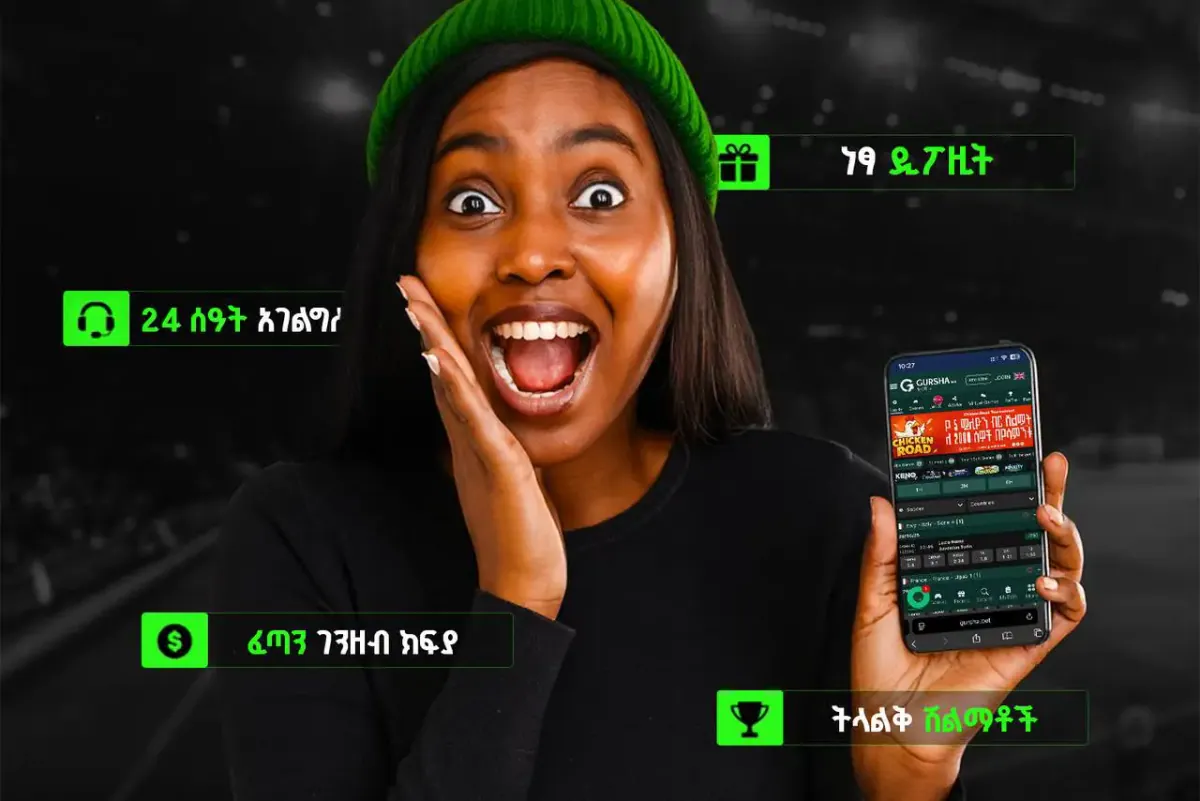
One thing to know upfront: the app is available for Android only. iPhone users still have a good option, and it is covered below. This page walks through Gursha Bet app download, installation, what the app does and how it differs from the mobile site.
Android only · 45.5 MB
Gursha Bet app at a glance
| Parameter | Details |
|---|---|
| App name | Gursha Bet |
| Version | 1.1.7 |
| File size | 45.5 MB |
| File type | APK (Android) |
| Last update | 04/10/2026 |
| Downloads | 90K+ |
| Price | Free |
| iOS | No app; mobile site or home-screen shortcut |
The file is hosted on the site itself, so the APK download comes straight from the official page and not from a file-sharing mirror. Always use that link. Copies passed around in messengers can be outdated or modified.
How to install the Gursha Bet APK on Android
Android blocks files that do not come from Google Play until you allow it. The permission is a normal system setting, and it can be switched off again afterwards. Here is the full path for the Gursha Bet app download APK.
Good habit
After installing, turn the unknown-sources permission back off for the browser. It takes ten seconds and keeps the phone tidy.
How to use Gursha Bet on iOS
There is no dedicated iPhone app. The platform works in Safari like any responsive site, so nothing needs to be installed. Anyone who wants an app-like feel can add a PWA shortcut to the home screen:
- Open the Gursha Bet website in Safari.
- Tap the Share button at the bottom of the screen.
- Scroll down and choose Add to Home Screen.
- Edit the name if needed and tap Add.
- Launch the new icon: the site opens full-screen, without the browser address bar.
The shortcut is not a separate program, so it takes almost no storage and always shows the current version of the site.
What you can do in the app
Inside the app
Live betting
In-play markets on football and other sports, the same lines as on the site. See the Sport page for details.
Casino
Slots, crash games such as Aviator, keno and Mines. More on the Casino page.
Deposits and withdrawals
Cashier with local methods like Telebirr, CBE Birr and eBirr. See Payments.
Promotions
Current offers are listed on the Bonuses page.
Phone-first layout
Large buttons and a compact menu built for one-hand use.
Light on data
Pages load quickly and need little mobile traffic.

Deposits are made in Ethiopian birr (Br). Method availability and limits can change, so check the cashier before you pay.
App vs. mobile site
| Feature | Android app | Mobile site / PWA |
|---|---|---|
| Installation | APK file, manual install | None; optional home-screen icon |
| Platforms | Android | Android and iOS |
| Speed | Fast start from the icon | Depends on browser and connection |
| Updates | New APK installed over the old one | Automatic, always current |
| Data usage | Low | Low to moderate |
| Storage | About 45.5 MB | Almost none |
Both versions show the same account and balance. Switching between them needs nothing but a login.
Updates and common problems
The current build is 1.1.7. When a newer file appears on this page, download it and install it over the old one; the account and settings stay. Uninstalling first is rarely needed.
The app won't install
- Check that unknown sources are allowed for the app you opened the file from.
- Free up storage; low space is the most common cause.
- Re-download the file if it stopped halfway: a broken APK shows a parse error.
- Make sure the phone runs a reasonably recent Android version.
The app won't update
- Download the latest APK from this page, not from an old chat message.
- If the system refuses, remove the old version and install the new one.
Login problems
- Check the phone number or email and the password for typos.
- Use the password reset on the login screen.
- Confirm that mobile data or Wi-Fi works; a weak connection can look like a failed login.
- If nothing helps, write to [email protected].
Pros
- Free download, hosted on the official page
- Small file, low data usage
- Home-screen icon for quick access
- Same account as on the website
Cons
- Android only; no iOS app
- Manual APK install and manual updates
- Unknown-sources permission is required
Summary
The Gursha Bet app gives Android users sports, casino and the cashier in one light file. It starts fast, keeps data usage low and shares an account with the site. iPhone owners get the same platform through Safari or a home-screen shortcut. Start from the home page for the overall picture of the brand.
18+ only
Betting is for adults. Set limits and play only with money you can afford to lose.
Frequently asked questions
How do I download the Gursha Bet app?
Tap the Download APK button on this page, allow installs from unknown sources in Android settings, open the downloaded file and tap Install.
Is the Gursha Bet app download free?
Yes. The APK costs nothing to download. Only the bets and deposits you make yourself cost money.
Is there a Gursha Bet app for iPhone?
No dedicated iOS app exists. iPhone users open the site in Safari or add it to the home screen via Share → Add to Home Screen.
What is the current version and size of the APK?
Version 1.1.7, about 45.5 MB, last updated on 04/10/2026.
Why does Android warn me when I open the APK?
Android shows this message for any file that does not come from Google Play. Download only from this official page and allow the install for your browser.
How do I update the app?
Download the newest APK from this page and install it over the existing app. Your account and settings are kept.
The app won't open or log in. What should I do?
Check your internet connection, restart the phone, reset the password if needed, and reinstall the latest APK. If the problem remains, write to [email protected].
Can I use the same account in the app and on the site?
Yes. The app and the website share one account and one balance.