
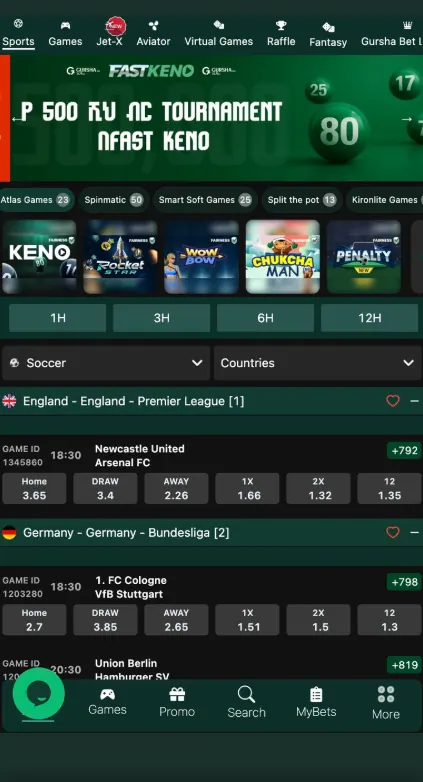
This page explains how to create an account and sign in to Gursha Bet from Ethiopia. Most visitors use a mobile number, so the guide starts there: Gursha Bet registration, Gursha Bet login with a phone number, and what to do if the password does not work.
This is an independent information site. We are not the operator, and the screens and field names below may change, so always check the current form on the brand page. Registration is for adults aged 18+ only.
18+ only · Play responsibly
Who can register
- Age: you must be 18 or older. The operator may ask you to confirm your age.
- Country: the guide is written for players in Ethiopia, with a +251 mobile number and amounts in Ethiopian birr (Br).
- One account per person: duplicate accounts are normally not allowed and can lead to blocked withdrawals.
- Your own details: use your real name and your own phone number, because they must match your verification documents later.
Registration methods
Phone-number sign-up is the most searched route. Other options may exist, so check which ones the registration form shows today.
| Method | Data usually required | Confirmation |
|---|---|---|
| Mobile number | +251 number, password, currency | SMS code sent to the phone |
| Email address, password | Link or code sent to the inbox | |
| Other quick options | As shown on the form | As shown on the form |
Check the live form
We describe the typical flow. The exact fields and methods are set by the operator and can change at any time.
How to register with a mobile number
Gursha Bet register with a mobile number
Open the registration form
Go to the brand page through this link and press the Register button in the top corner.
Enter your phone number
Choose Ethiopia (+251) and type your mobile number without the first zero, as the form asks.
Create a password
Use at least 8 characters with letters and digits. Do not reuse a password from another site.
Confirm the number
Enter the SMS code you receive. If it does not arrive within a few minutes, use the resend option.
Accept the terms and finish
Confirm that you are 18+ and accept the rules, then complete the sign-up. Registration is free.
After sign-up you can look at the current bonuses before you deposit, and read how to fund your account with local payment methods.
Account verification (KYC)
Operators usually ask for verification before the first withdrawal, or when the account looks unusual. Typical requests are:
- A government ID, such as a national ID card, passport or driving licence.
- Proof that the phone number or payment account belongs to you.
- Sometimes a selfie or proof of address.
Review times differ, from a few hours to several working days. Send clear, uncropped photos and make sure the name matches your registration data. Do this early so a first withdrawal is not delayed. More on payouts is on the Payments page.
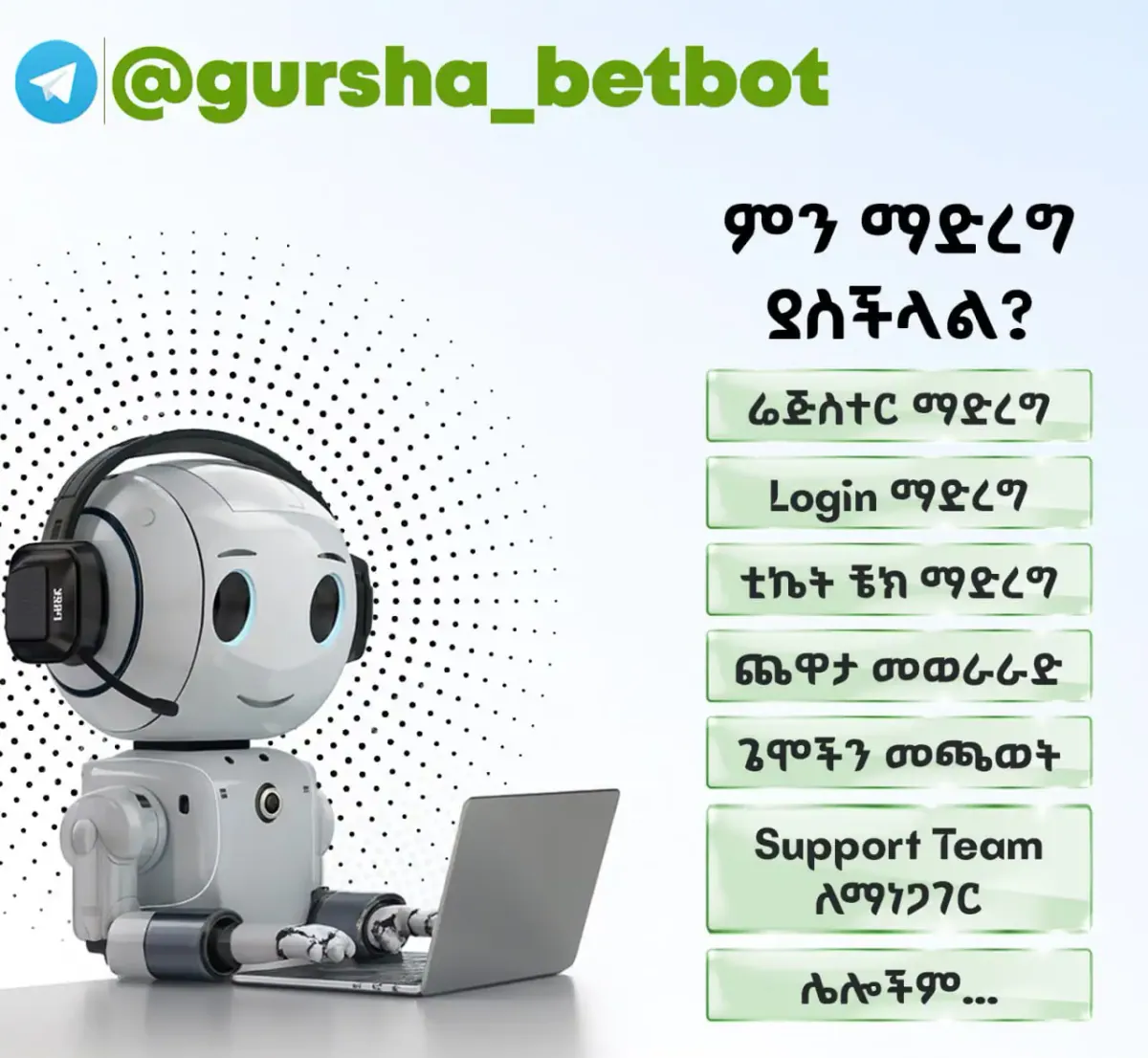
If you have any problems with registration, login or KYC you can contact GurshaBet support team at telegram bot: @gursha_betbot
Gursha Bet login
To sign in, press Login, enter your registered mobile number and password, and confirm. You can sign in with the same details in the browser and in the mobile app. If the form offers a remember-me option, use it only on your own device. Check the login screen for two-step confirmation options.
Common login problems
| Problem | What to try |
|---|---|
| Wrong password message | Check the keyboard language and caps lock, then reset the password. |
| Number not recognised | Try the number in the same format you used at registration, with or without +251. |
| No SMS code | Check the signal, wait a few minutes, then resend. Make sure the phone can receive messages. |
| Page will not load | Refresh, switch between mobile data and Wi-Fi, clear the cache, or use the app. |
| Account blocked | Contact support and be ready to confirm your identity. |
Password recovery
- Press Login, then the forgot password link.
- Enter your registered phone number.
- Type the code sent to you by SMS.
- Set a new password and sign in.
If you no longer have access to the number, contact customer support for help.
Managing your account
- Bet history: past bets are normally listed in the account menu under a section such as My Bets or History. Use it to review stakes, odds and results.
- Changing your phone number or personal data: usually done through support after identity confirmation, since the number is tied to your login and verification.
- Closing the account: send a request to support. Withdraw your balance first.
- Limits and self-exclusion: if betting stops being fun, ask the operator for deposit limits or a break.
Account security
- Use a strong, unique password and change it if you suspect a leak.
- Never share SMS codes, even with someone claiming to be support.
- Sign in only from the official address and avoid links from unknown messages.
- Log out on shared devices.
Pros
- Sign-up with a mobile number
- Free registration
- Same account in browser and app
Cons
- Verification is needed before withdrawals
- Only adults aged 18+
Frequently asked questions
How do I register at Gursha Bet with a mobile number?
Open the registration form, choose Ethiopia (+251), enter your phone number, create a password, confirm the SMS code and accept the terms. You must be 18+.
Is Gursha Bet registration free?
Creating an account is normally free. Check the registration form for any conditions.
How do I log in to Gursha Bet with my mobile number?
Press Login, enter the phone number you registered with and your password, then confirm.
What if I forgot my Gursha Bet login password?
Use the forgot password link on the login screen, enter your phone number, type the SMS code and set a new password.
Where can I see my Gursha Bet bet history?
Bet history is normally found in the account menu, in a section such as My Bets. If you cannot find it, ask support.
Do I need to verify my account?
Verification with an ID document is usually requested before the first withdrawal or when the operator needs to check your details.
Can I have more than one account?
No. Operators usually allow one account per person, and duplicates can be blocked.
Can I use the same login in the app?
Yes, you sign in to the app with the same phone number and password you use on the website.